Templates · Google Sheets
Photography Shot List & Session Planner
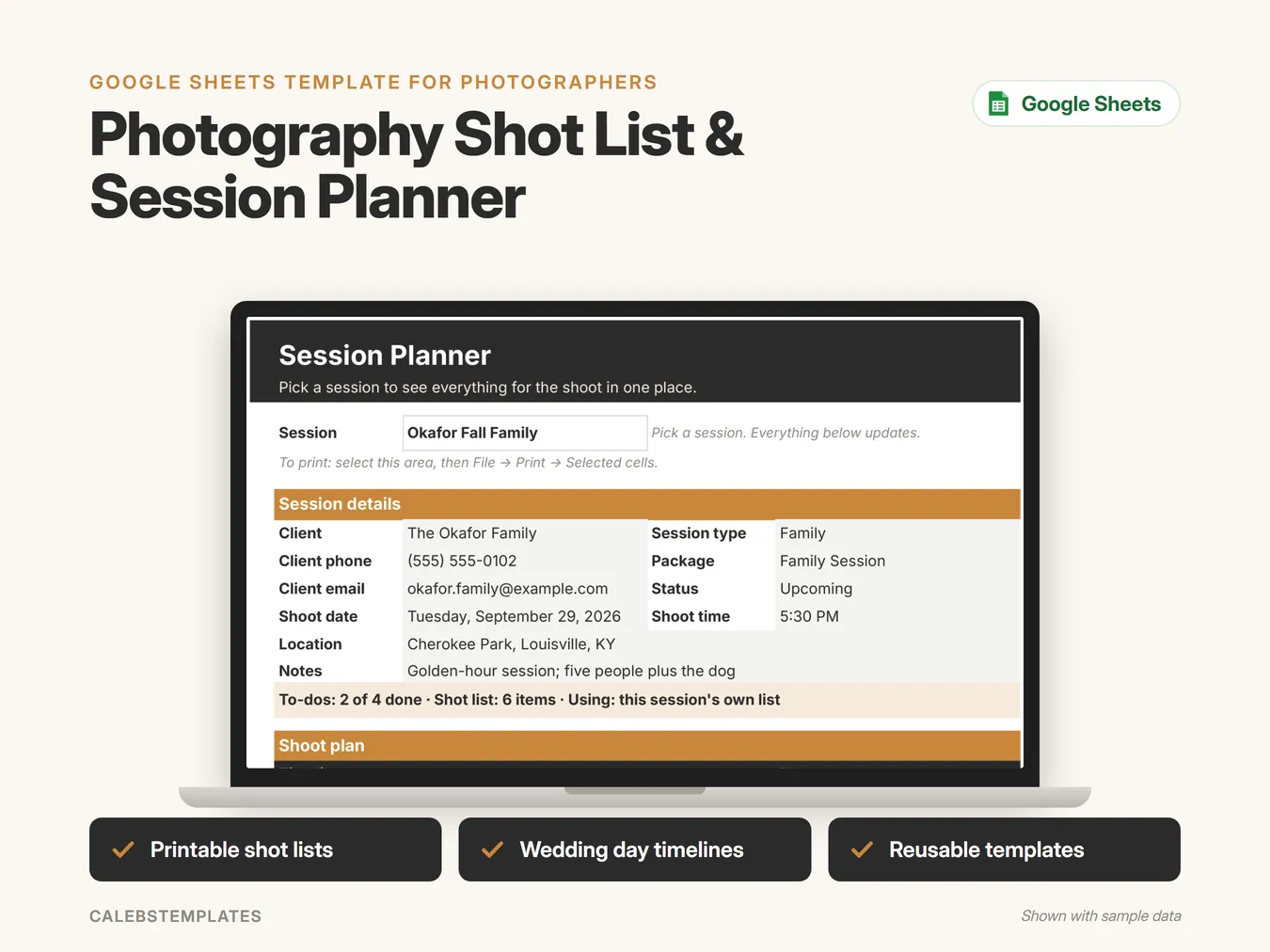
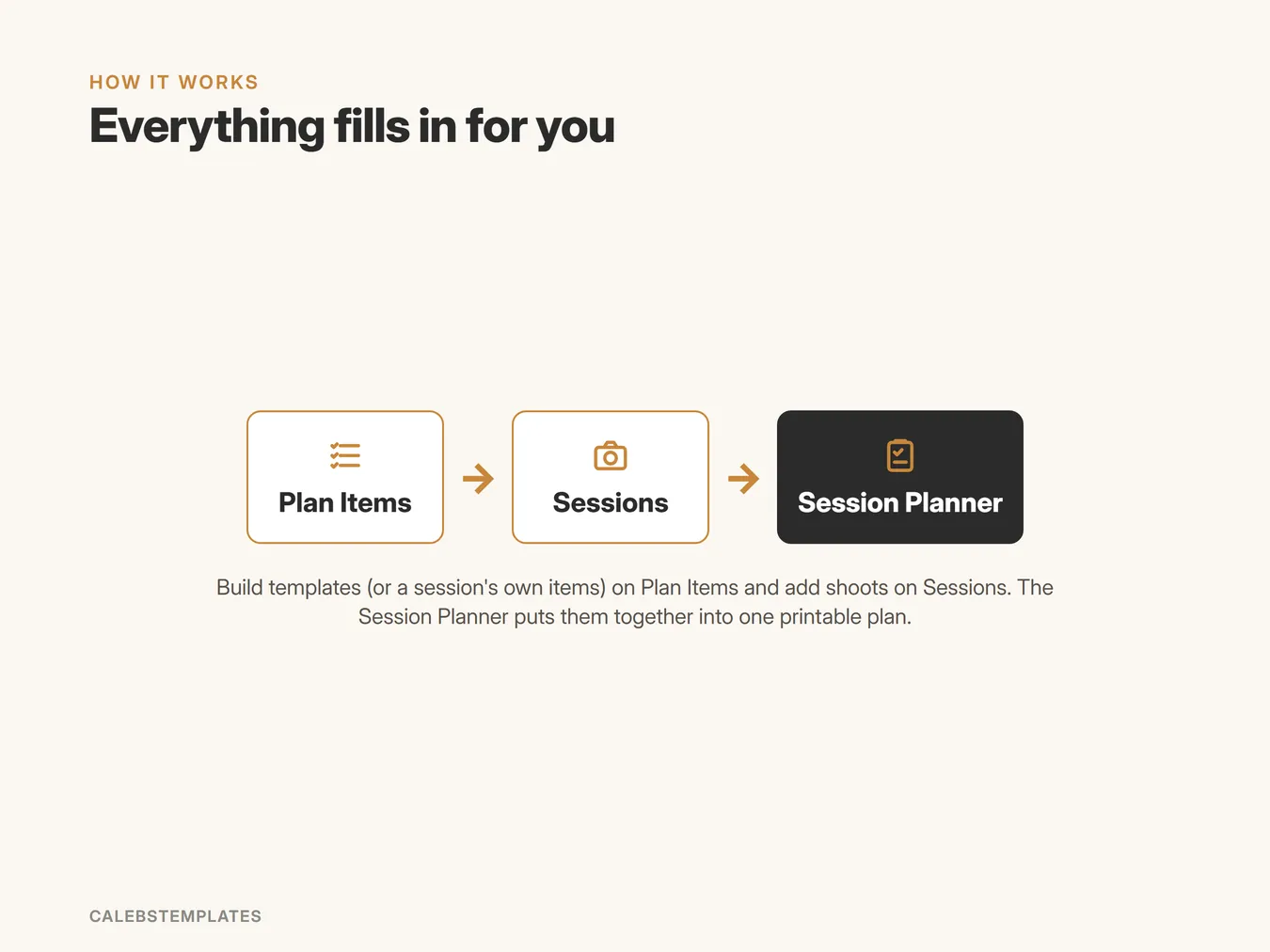
Plan every shoot on one printable page: the client's details, the timeline, the shot list, the gear and your to-dos, with reusable templates for each session type.
- Printable shot lists
- Wedding day timelines
- Reusable templates
What's inside
- Start HereYour welcome page: a 3-step setup checklist, how the tabs fit together, a guide to every tab with clickable links, and the color legend.
- Session PlannerA printable plan for one shoot: the session's details (client, phone, email, session type, package, status, date, time, location, notes), a prep status line, then the timeline, shot list, gear and to-dos.
- SessionsOne row per shoot: session name, client and their phone and email, session type, shoot date and time, location, package and notes. Status (Today, Upcoming, Done) and Days Until work themselves out.
- Plan ItemsEvery timeline, shot-list, gear and to-do item. An item belongs to one session, or is a reusable template for a session type. Starter templates for Wedding, Family, Newborn and Listing Photos are included.
- SettingsSet up once: your business name, business mode, the day your week starts, and your session-type lists.
A closer look
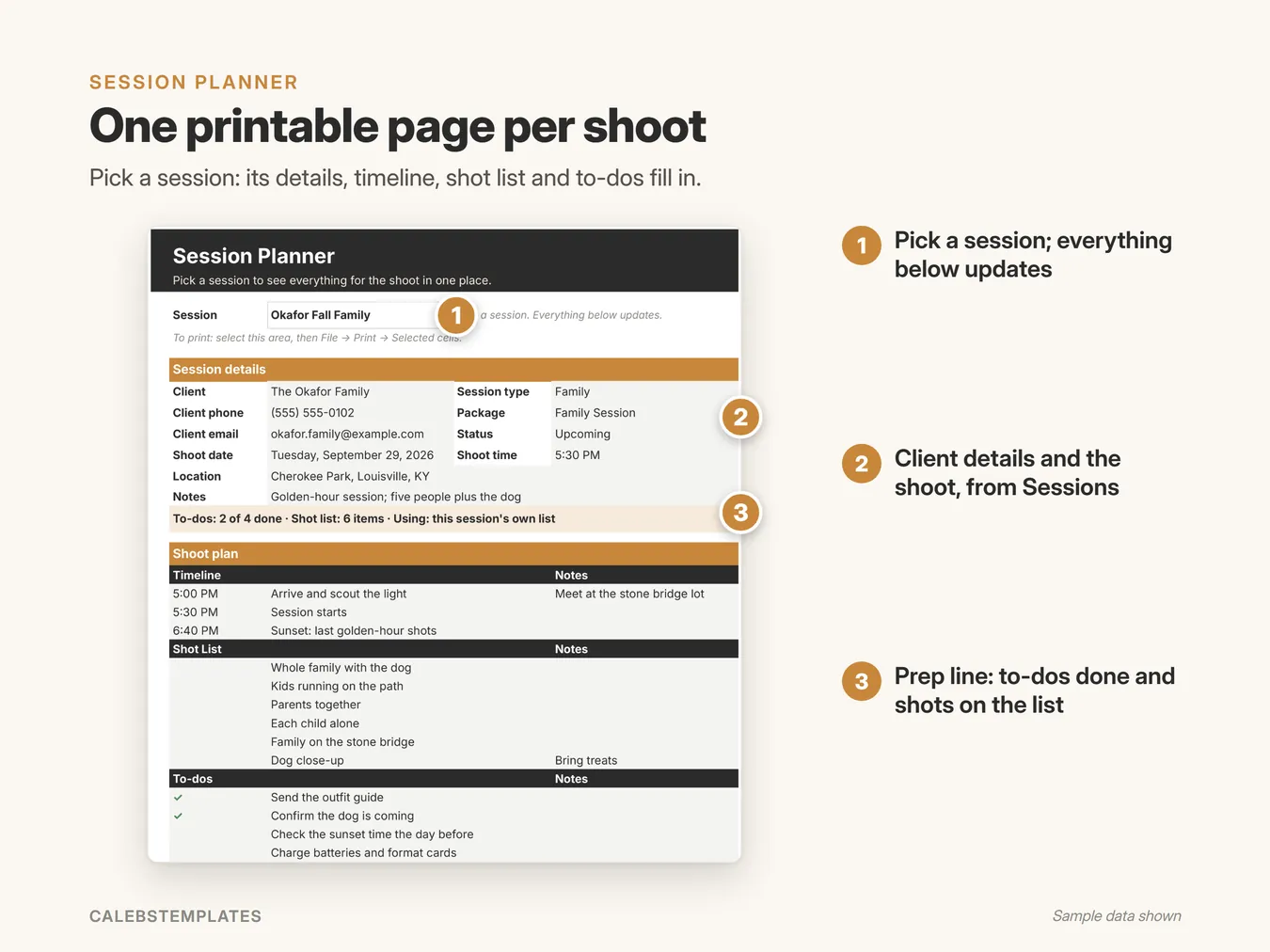
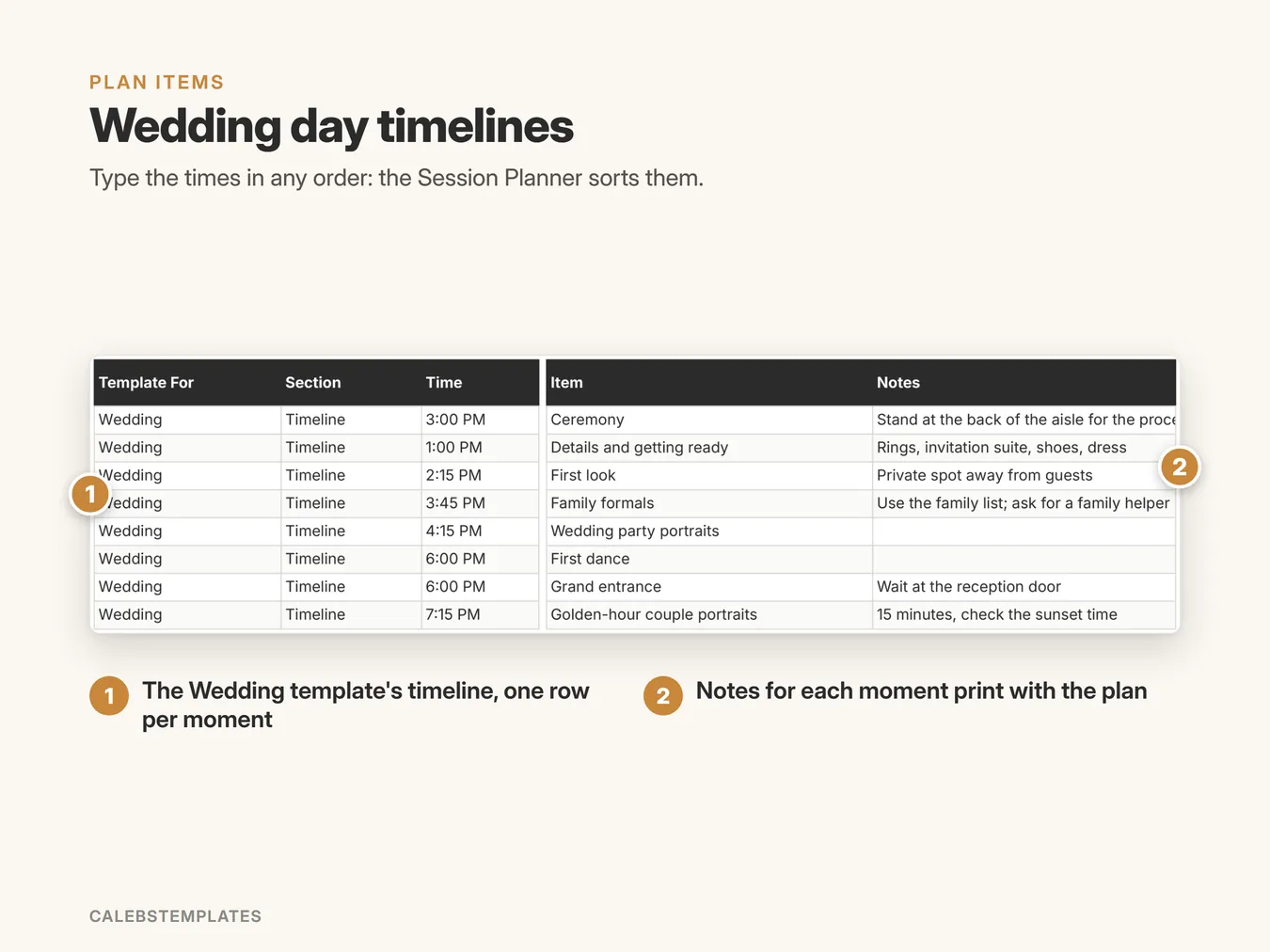
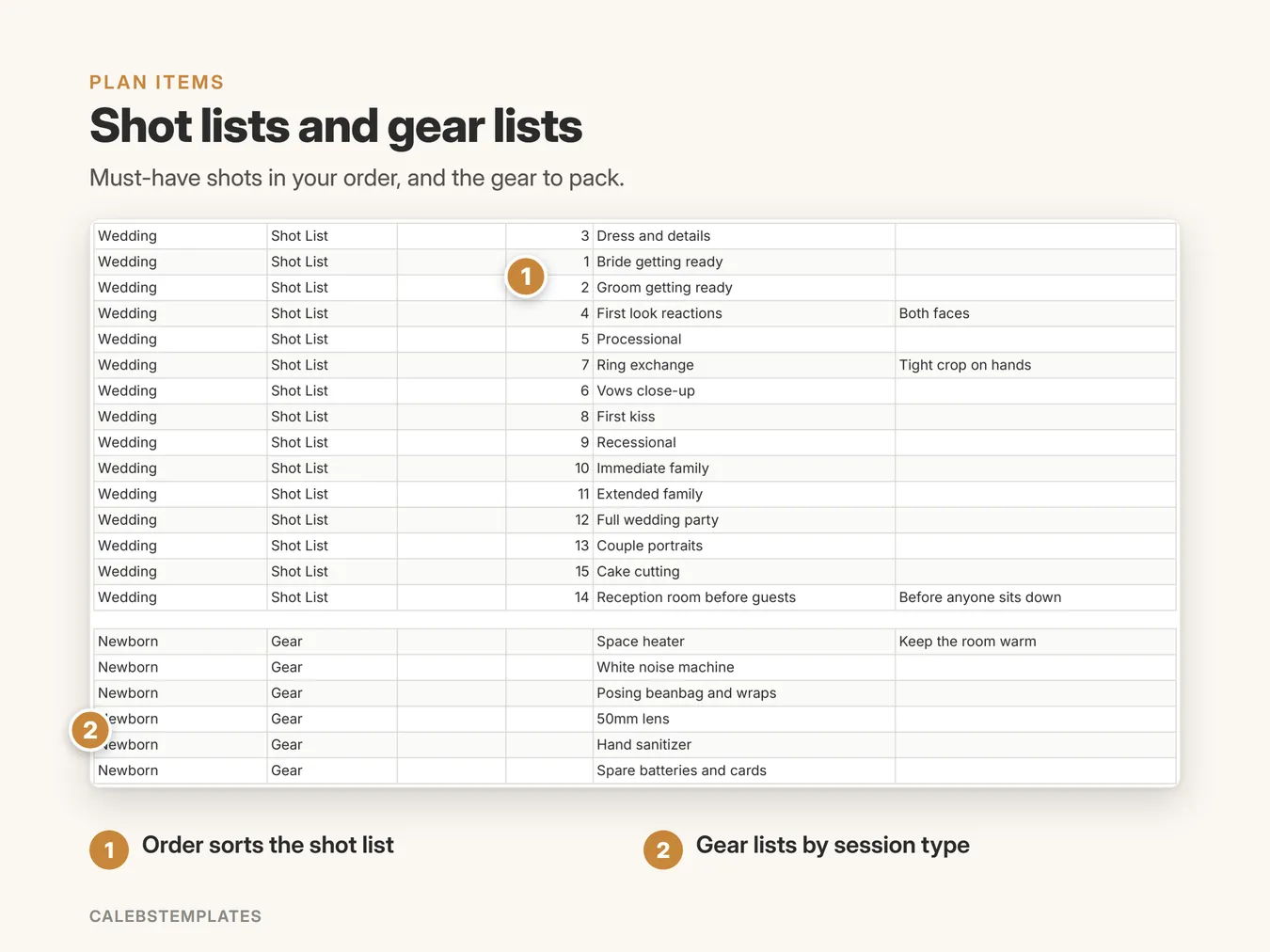
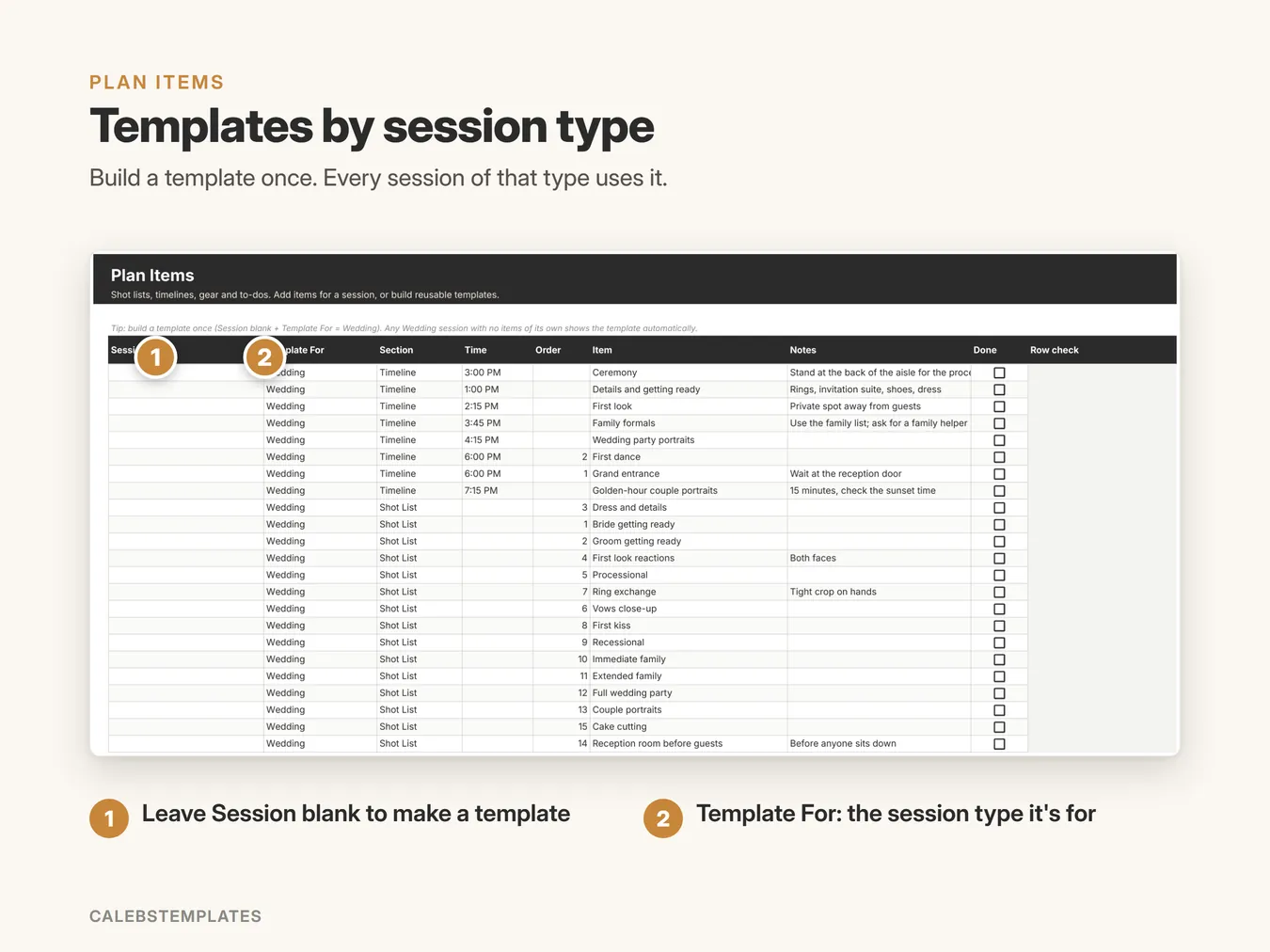
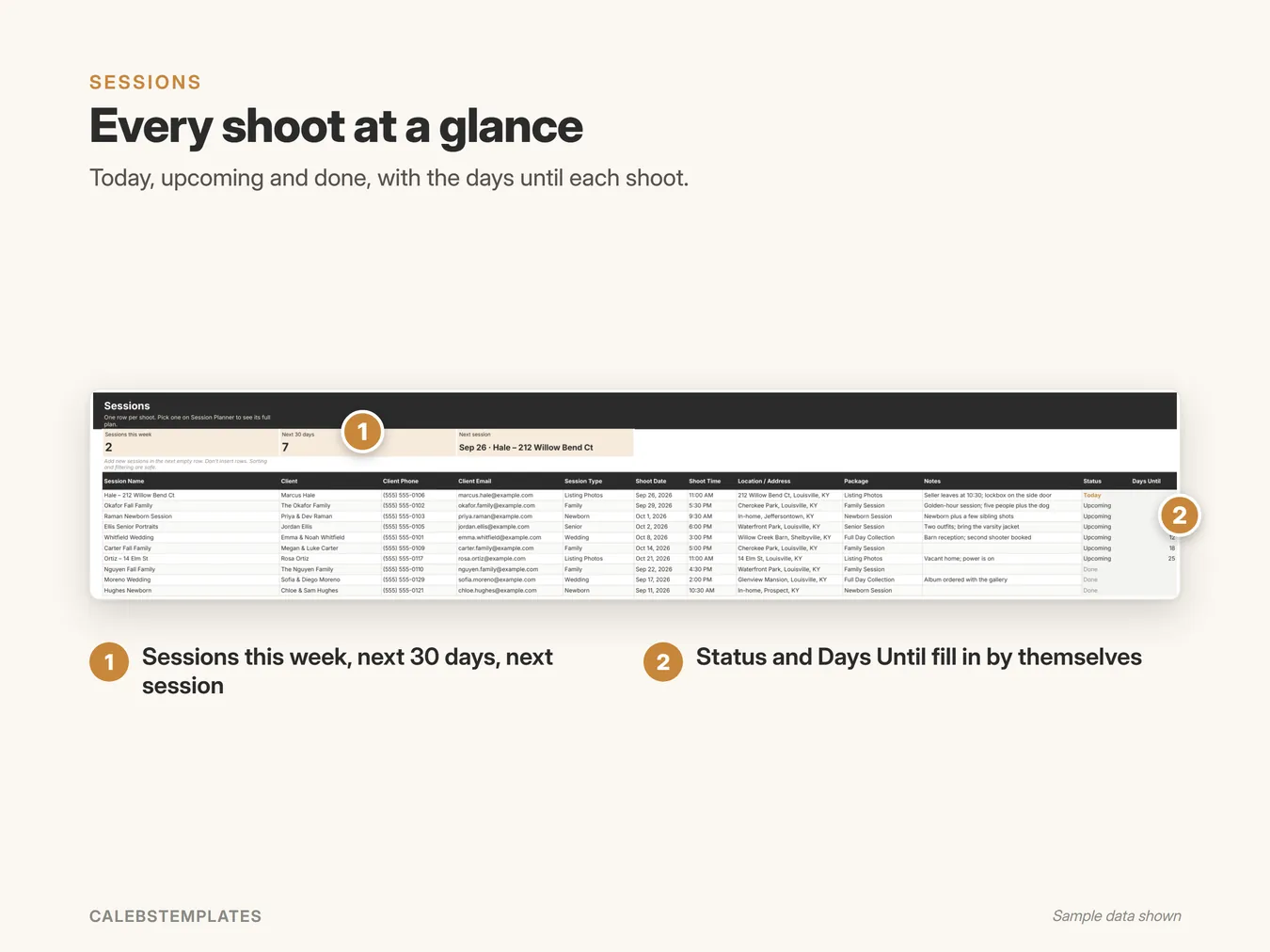
Screenshots show the Sample copy with made-up data.
Get set up in minutes
- Open your copy's Start Here tab.
- Settings: your business name and mode.
- Plan Items: tweak the starter templates (Wedding, Family, Newborn, Listing Photos).
- Sessions: add your next shoot, then open Session Planner and print it.
Good to know
- Google Sheets: you need a free Google account. This isn't an Excel file.
- Works in any browser on a computer, tablet or phone. Setup is easiest on a computer.
- Nothing to install: no add-ons, no scripts.
- You get a ready-to-use copy plus a Sample copy filled with example data, and a step-by-step PDF guide.
Want it all connected?
The Photographer Business Command Center includes the Session Planner plus clients, jobs, payments, pricing, bookkeeping, invoices and more, in one file.
See the Command Center · $29.99Ready when you are
You might also like
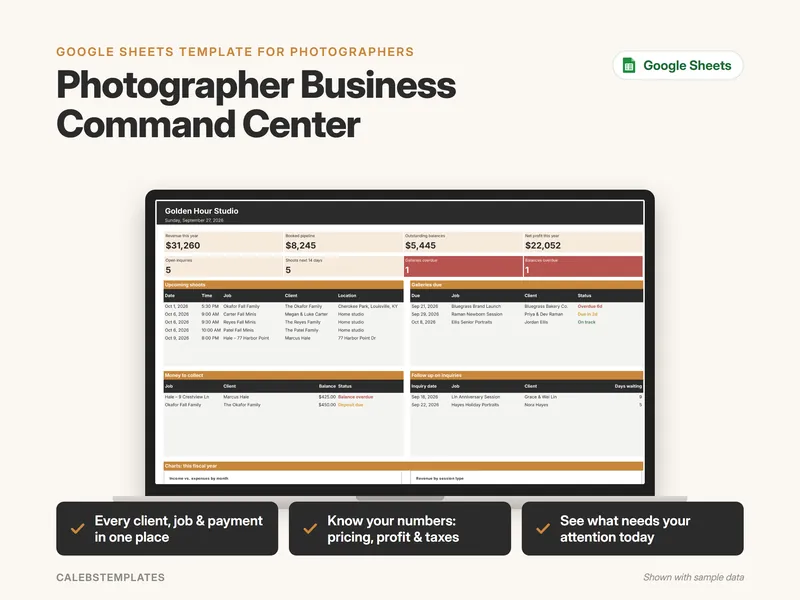
Photographer Business Command Center
Run your whole photography business from one Google Sheet: clients, jobs, payments, pricing, expenses and reports.
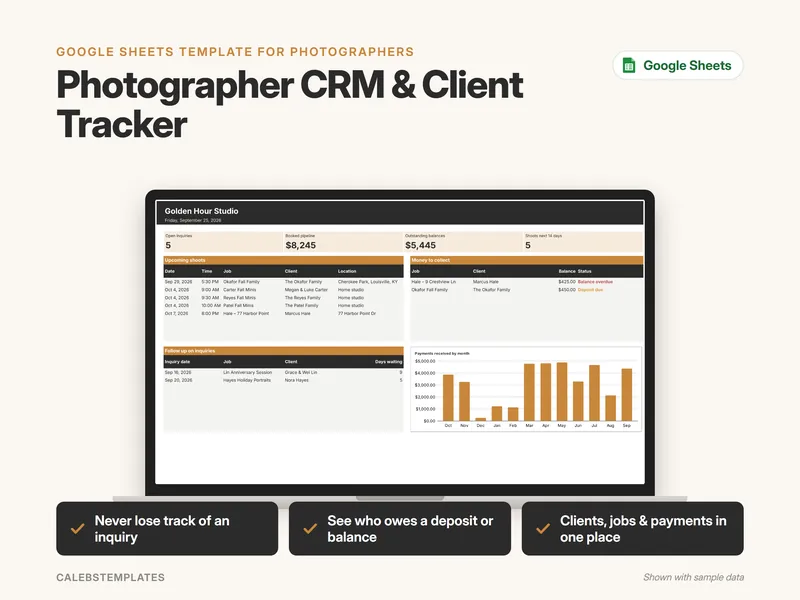
Photographer CRM & Client Tracker
Track every inquiry, client, job and payment in one simple Google Sheet, and see who to follow up with and what money to collect.
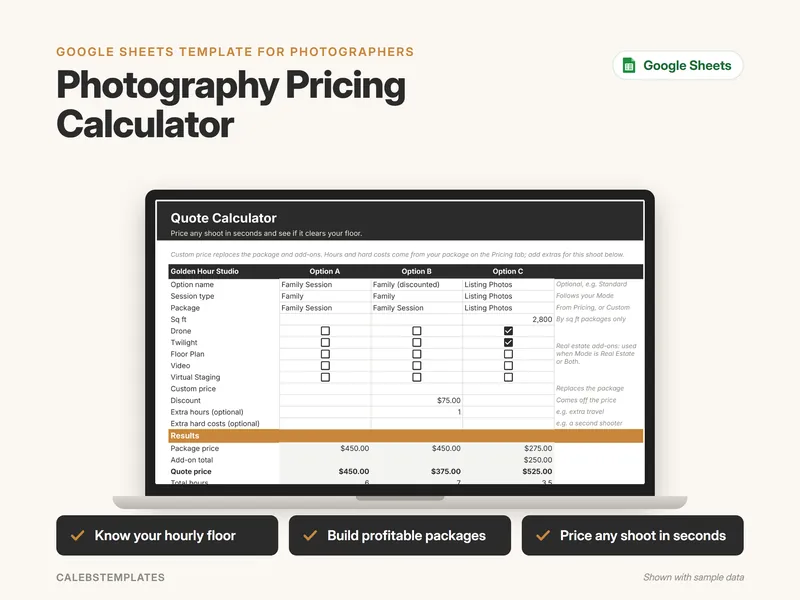
Photography Pricing Calculator
Work out what your photography business needs to earn, turn it into an hourly floor, check every package against it, and price any shoot in seconds.