Savings Goals & Sinking Funds Tracker

List each goal with a target, log every deposit and see your progress, how much to save each month and whether you are on track. Works for an emergency fund and sinking funds.
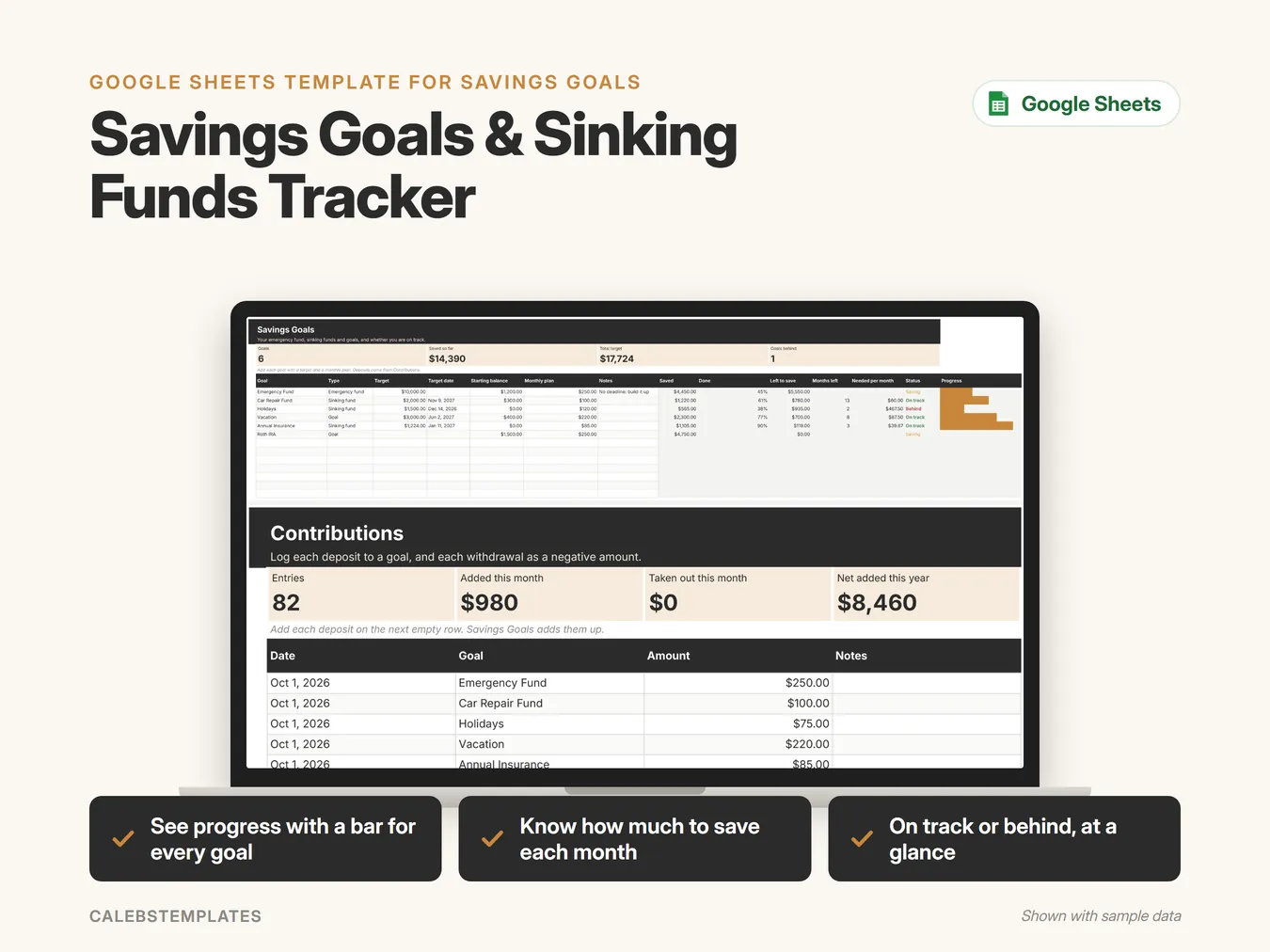
  • See progress with a bar for every goal
  • Know how much to save each month
  • On track or behind, at a glance
$4.00
Buy on Etsy

Instant download on Etsy. Checkout on this site is coming soon.

Savings Goals & Sinking Funds Tracker in Google Sheets on a laptop, shown with sample data

What's inside

  • Start HereYour welcome page: a 3-step setup checklist, how the tabs fit together, a guide to every tab with clickable links, and the color legend.
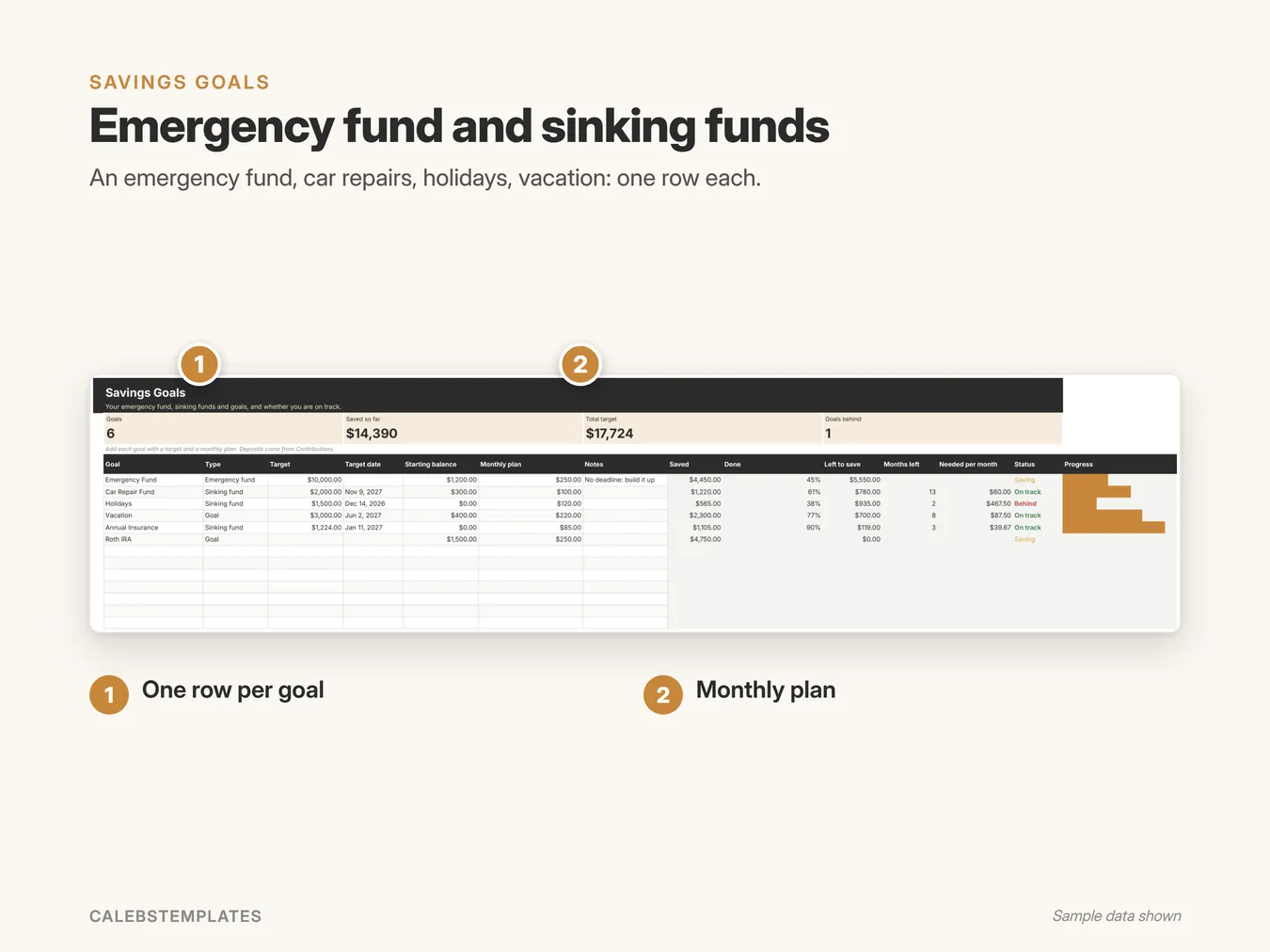
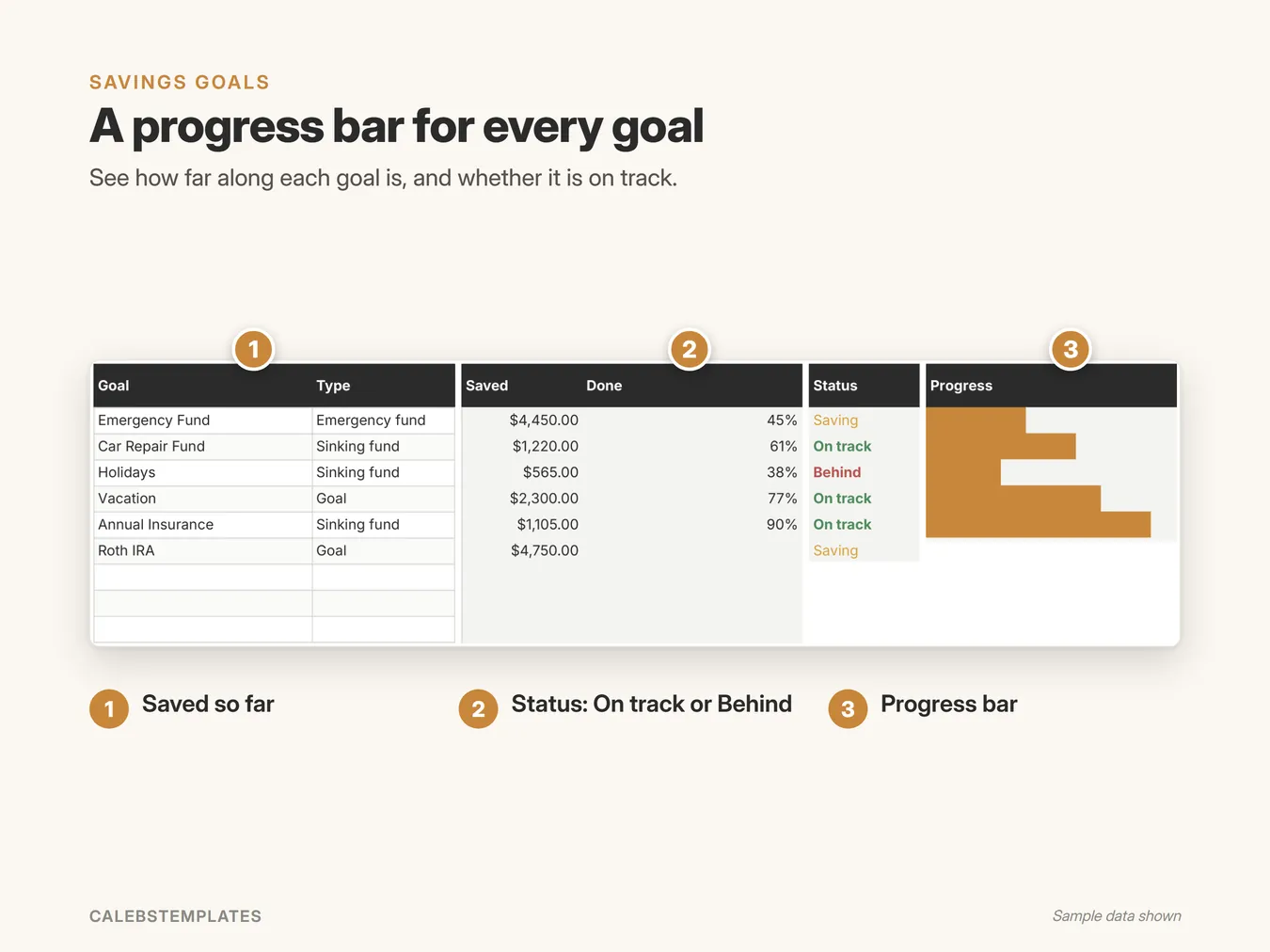
  • Savings GoalsYour emergency fund, sinking funds and goals, each with a target, a target date, a starting balance and a monthly plan. Saved, percent done, what is left, months left, the amount needed per month and an on-track status work themselves out, with a progress bar.
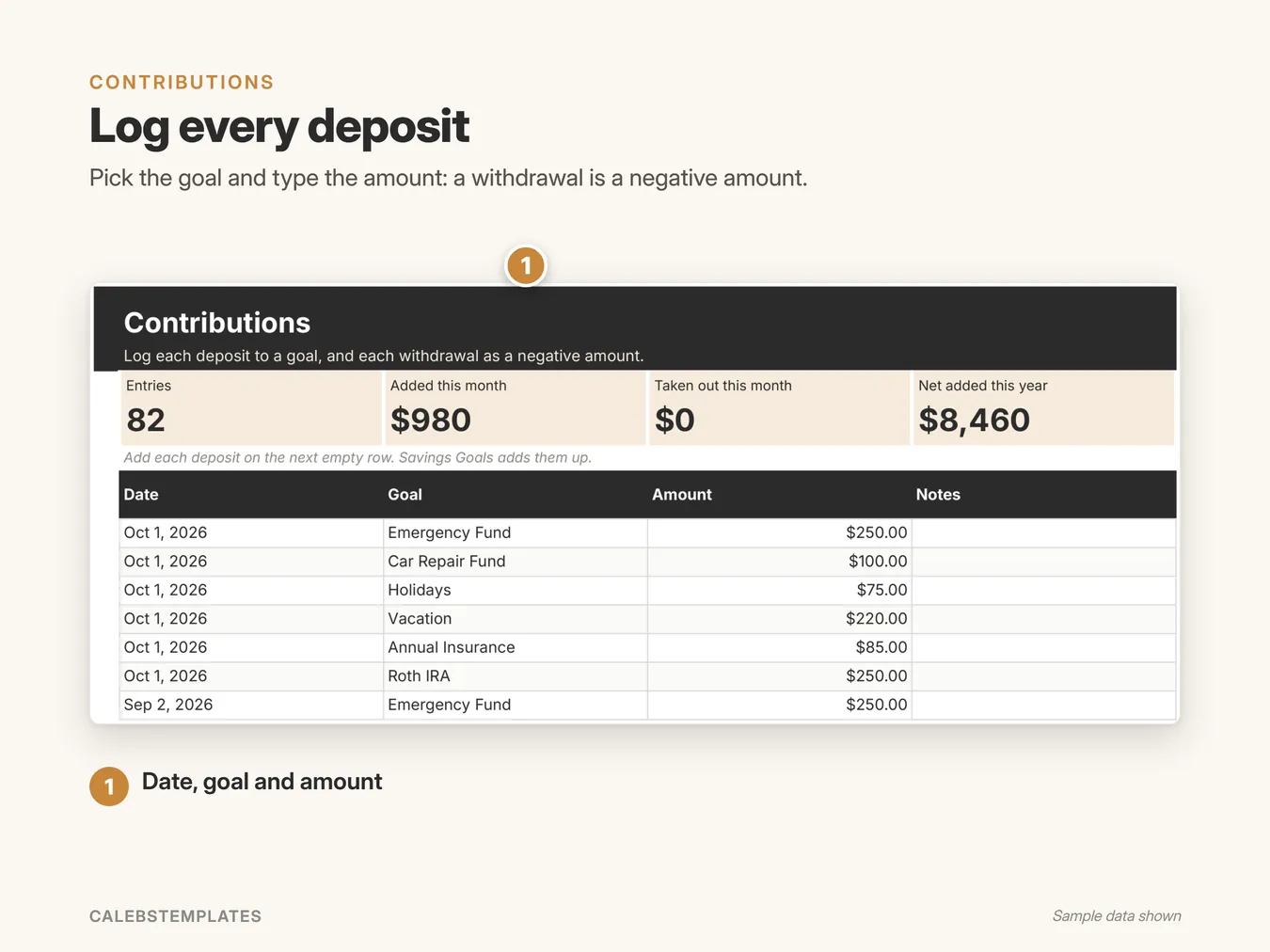
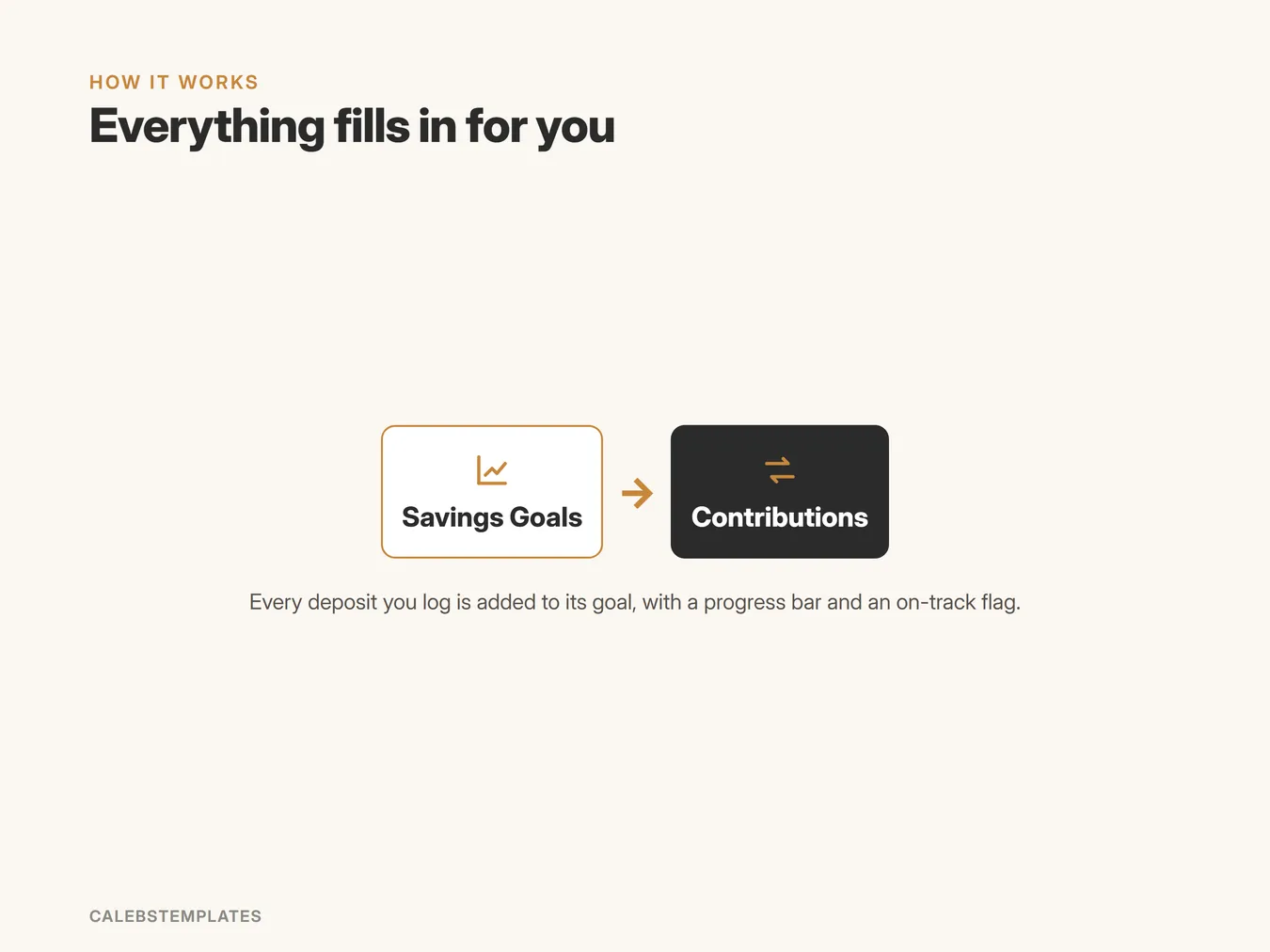
  • ContributionsLog each deposit to a goal, and each withdrawal as a negative amount. Savings Goals adds them up.
  • SettingsSet up once: your household name.

A closer look

A progress bar for every goal: See how far along each goal is, and whether it is on track. (Savings Goals Tracker, sample data)
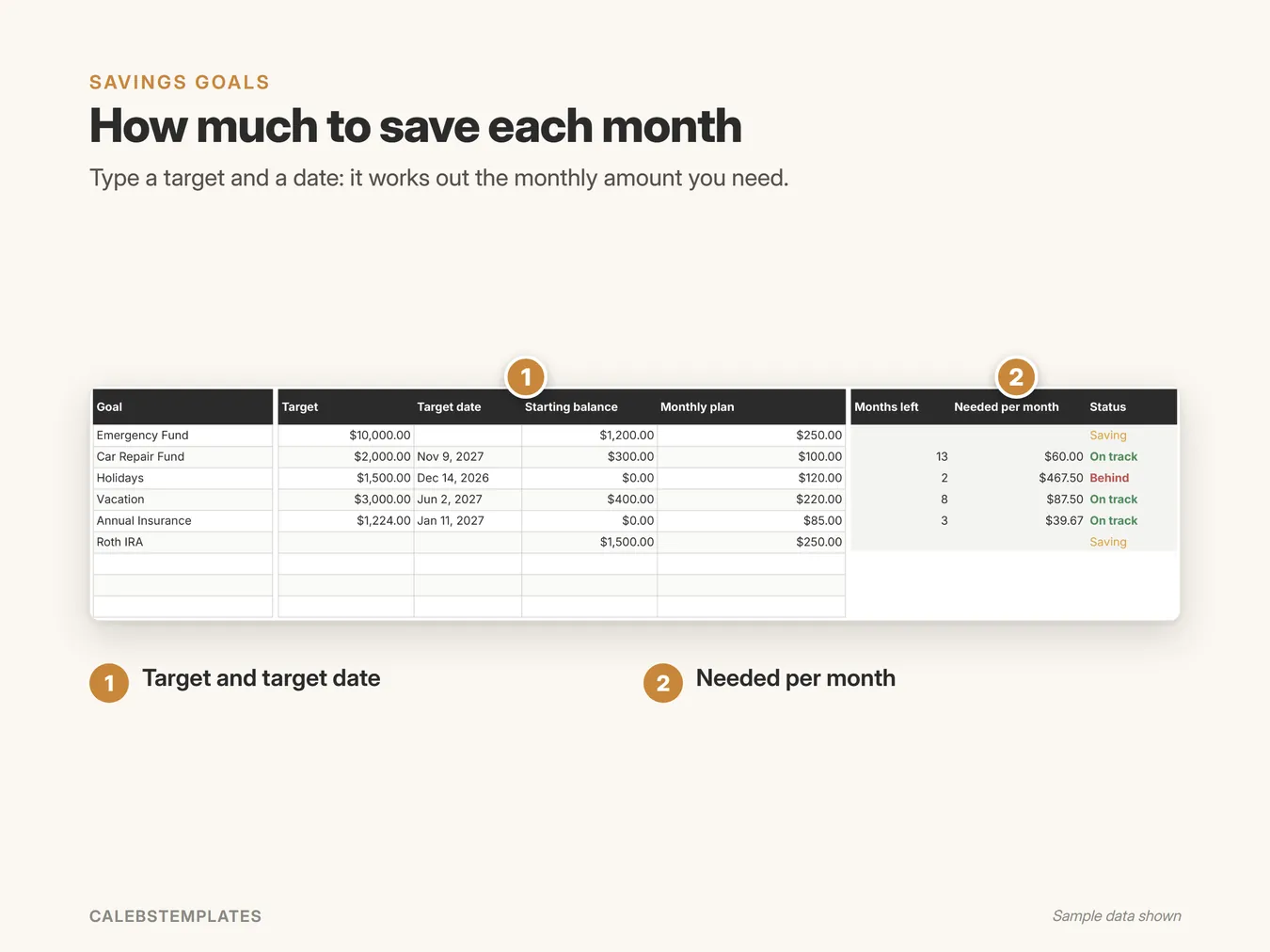
How much to save each month: Type a target and a date: it works out the monthly amount you need. (Savings Goals Tracker, sample data)
Log every deposit: Pick the goal and type the amount: a withdrawal is a negative amount. (Savings Goals Tracker, sample data)
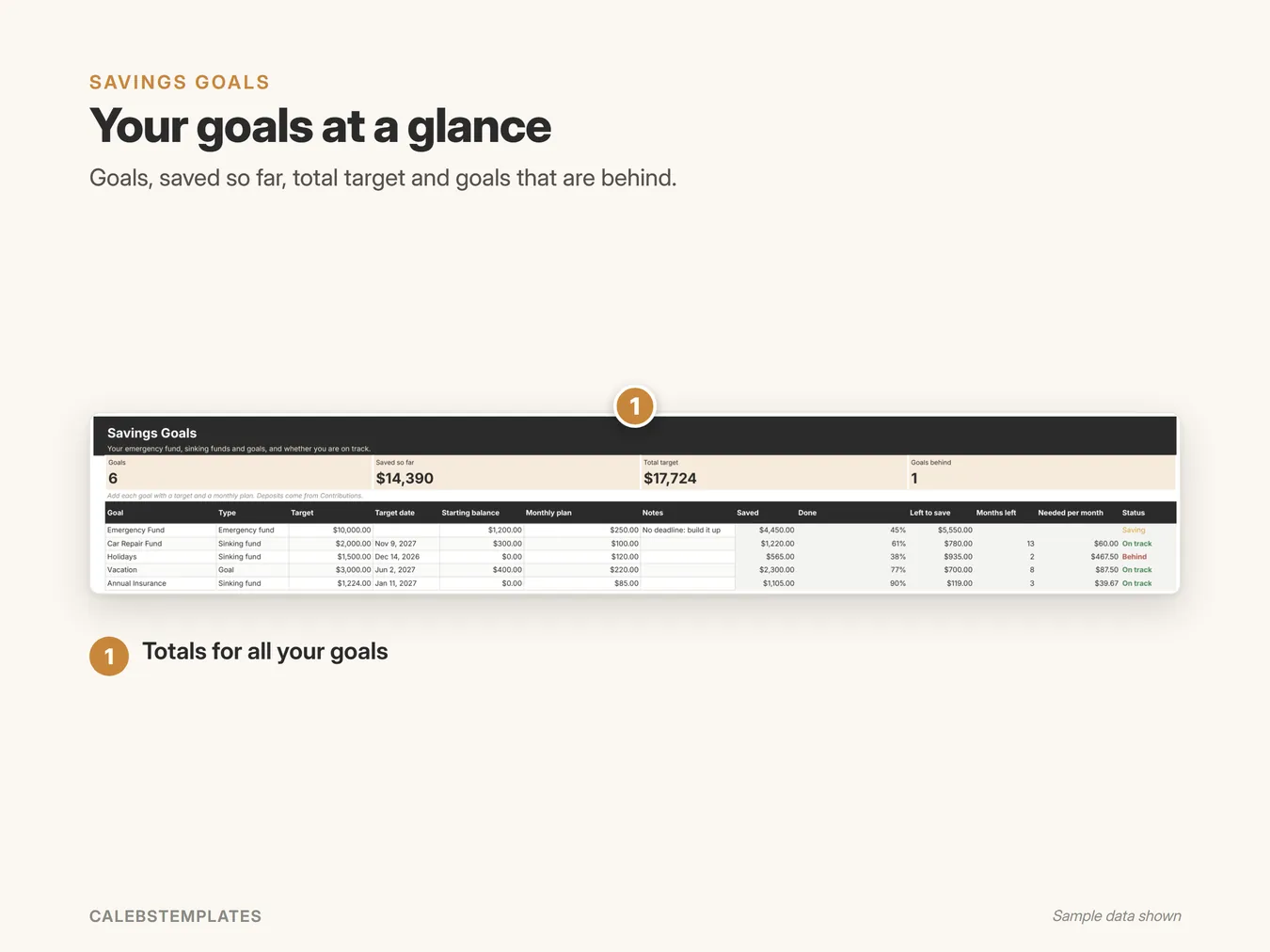
Your goals at a glance: Goals, saved so far, total target and goals that are behind. (Savings Goals Tracker, sample data)
Emergency fund and sinking funds: An emergency fund, car repairs, holidays, vacation: one row each. (Savings Goals Tracker, sample data)

Screenshots show the Sample copy with made-up data.
Get set up in minutes

  1. Open your copy's Start Here tab.
  2. Savings Goals: add each goal with a target and a monthly plan.
  3. Contributions: log each deposit, and each withdrawal as a negative amount.

Good to know

  • Google Sheets: you need a free Google account. This isn't an Excel file.
  • Works in any browser on a computer, tablet or phone. Setup is easiest on a computer.
  • Nothing to install: no add-ons, no scripts.
  • You get a ready-to-use copy plus a Sample copy filled with example data, and a step-by-step PDF guide.
How Savings Goals Tracker fits together

Ready when you are

$4.00
Buy on Etsy

Instant download on Etsy. Checkout on this site is coming soon.

More in Personal Finance

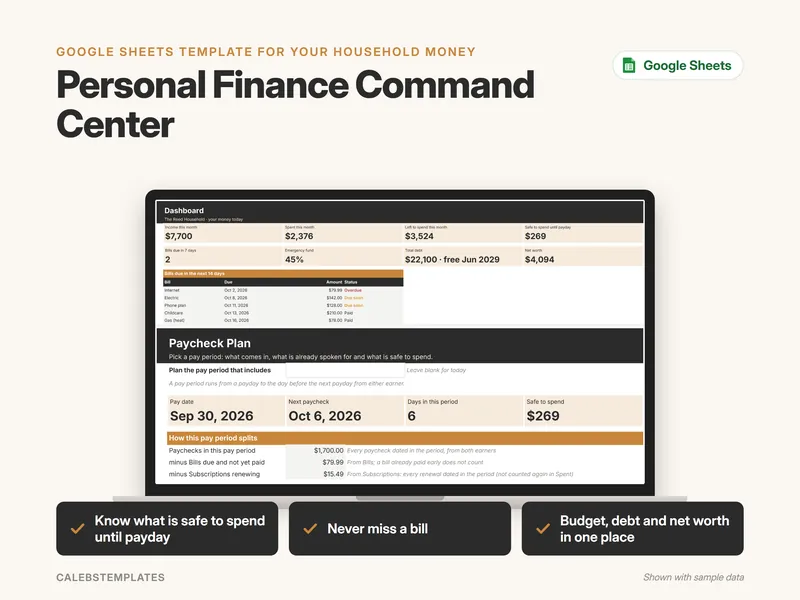
Personal Finance Command Center Google Sheets template
All-in-onePersonal Finance

Personal Finance Command Center

Run your household money from one Google Sheet: budget by paycheck and by month, bills, spending, savings goals, debt payoff and net worth, all…
$30.99View template →
Paycheck Budget Planner Google Sheets template
Personal Finance

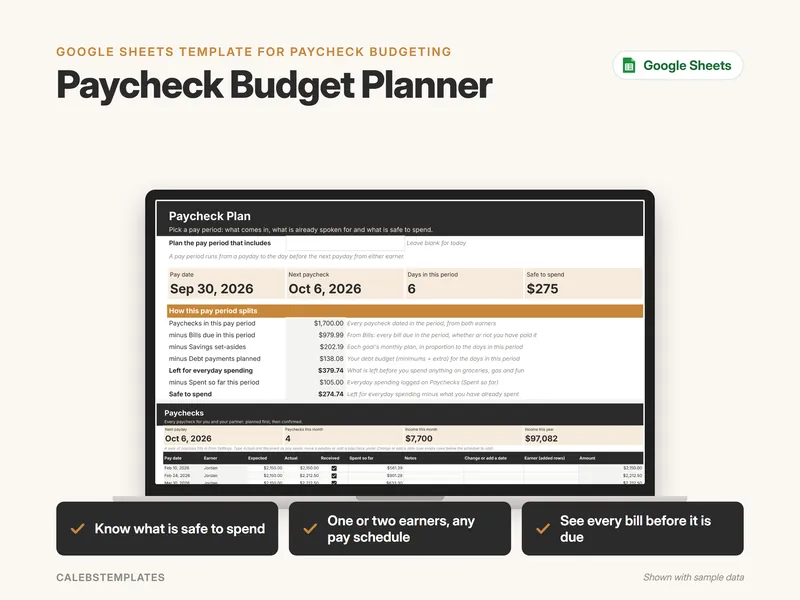
Paycheck Budget Planner

Budget by paycheck: see which bills each paycheck covers, what to set aside for savings and debts, and how much is safe to spend before the next…
$8.99View template →
Monthly Budget Spreadsheet Google Sheets template
Personal Finance

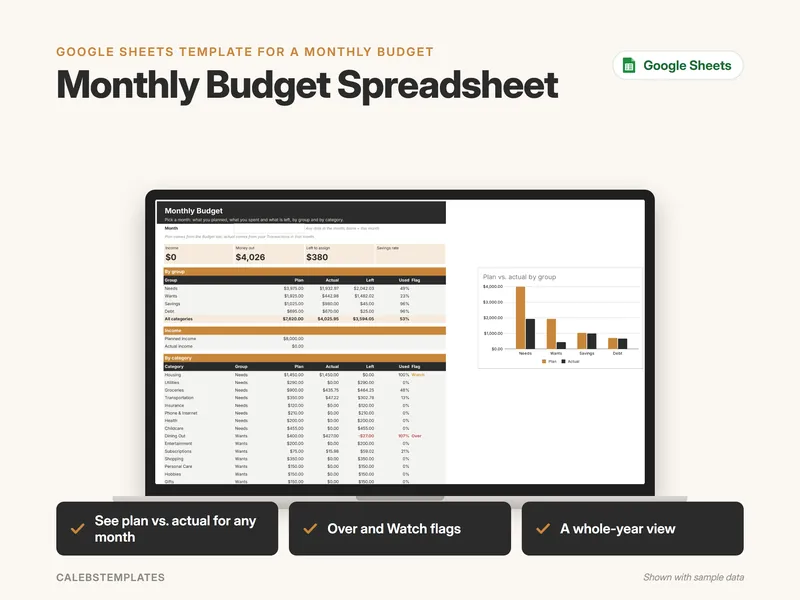
Monthly Budget Spreadsheet

Plan each category, log what you spend and see plan against actual for any month and for the whole year, with Over and Watch flags. No bank logins.
$7.99View template →
Bill Tracker & Bill Calendar Google Sheets template
Personal Finance

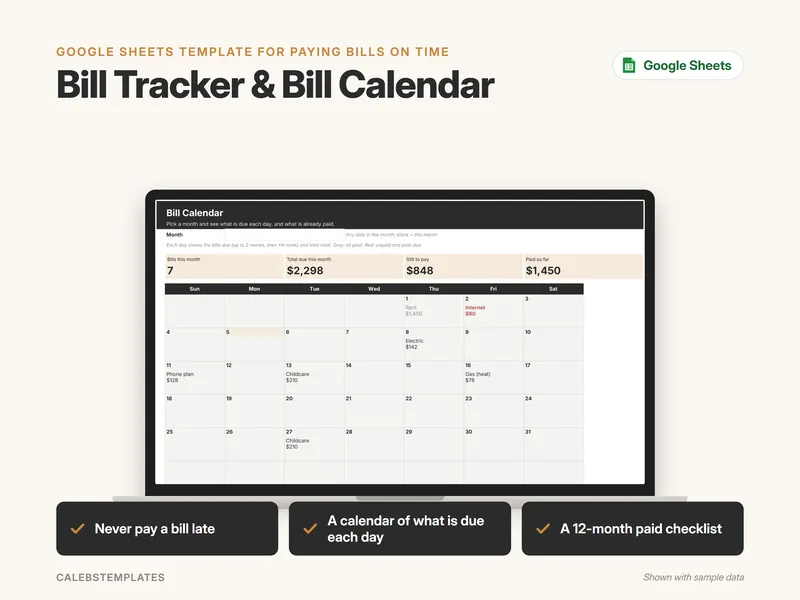
Bill Tracker & Bill Calendar

List every bill once, log each payment and see what is due soon, what is overdue and what is paid, on a month calendar and a 12-month checklist.

$5.99View template →

See all Personal Finance templates →