Templates · Google Sheets
Client Tracker
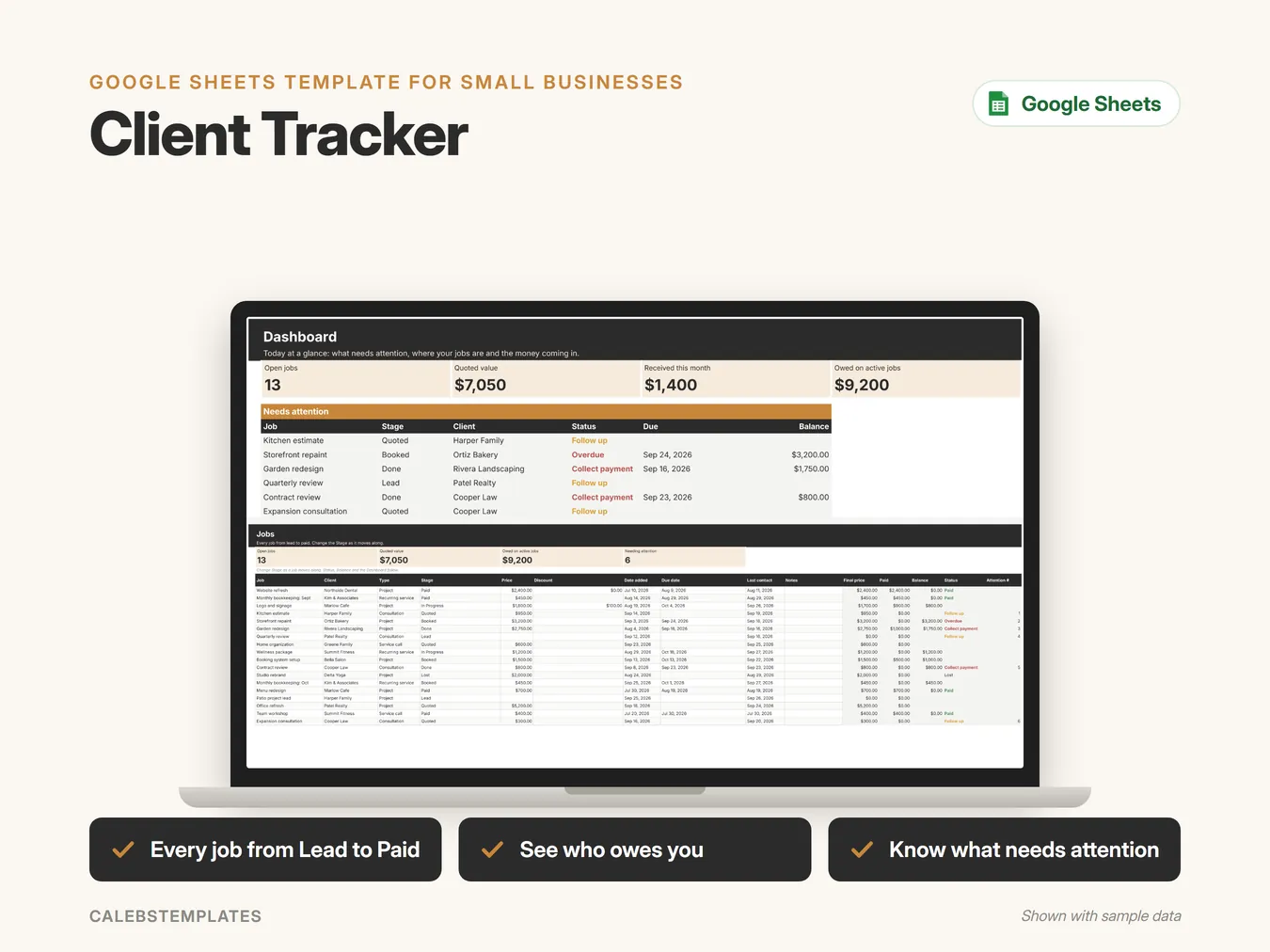
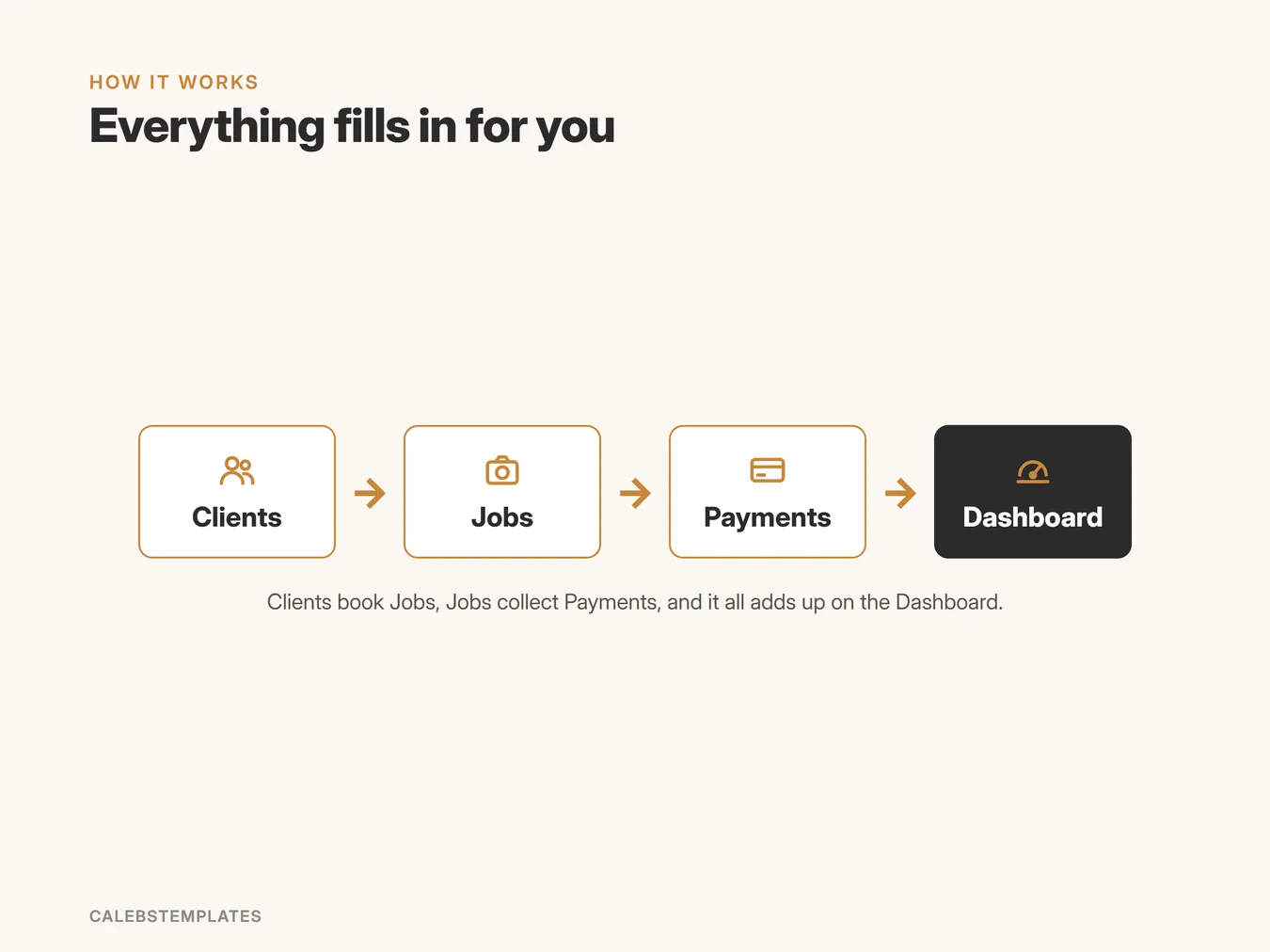
Keep your clients, jobs and payments in one place, move every job from lead to paid, and see what needs your attention today.
- Every job from Lead to Paid
- See who owes you
- Know what needs attention
What's inside
- Start HereYour welcome page: a 5-step setup checklist, how the tabs fit together, a guide to every tab with clickable links, and the color legend.
- DashboardToday at a glance. Four tiles (open jobs, quoted value, money received this month, owed on active jobs), a Needs attention list, jobs by stage and money received over the last 6 months, with two charts.
- ClientsEveryone you work with: name, email, phone, where they found you and when you first heard from them. Their number of jobs, booked value, what they've paid and their balance fill in.
- JobsEvery job from Lead to Paid (or Lost). Pick the client, type, stage, price and dates; the final price, what's been paid, the balance and a Status (Follow up, Overdue, Collect payment, Paid, Lost) work themselves out.
- PaymentsEvery payment you receive, linked to its job. The client and month fill in.
- SettingsSet up once: your business name, how many days before a lead or quote shows Follow up, and your lists of lead sources, job types and payment methods.
A closer look
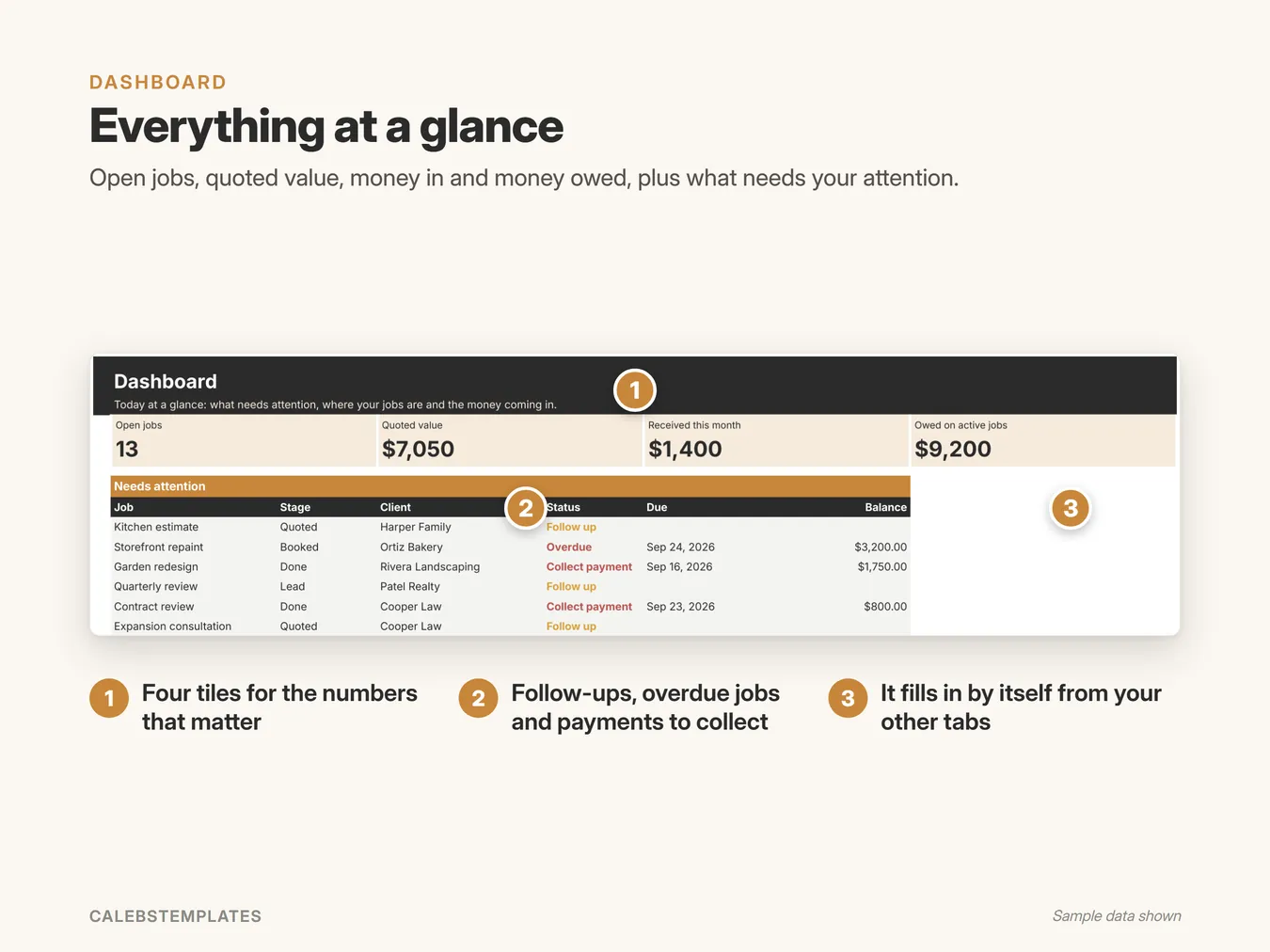
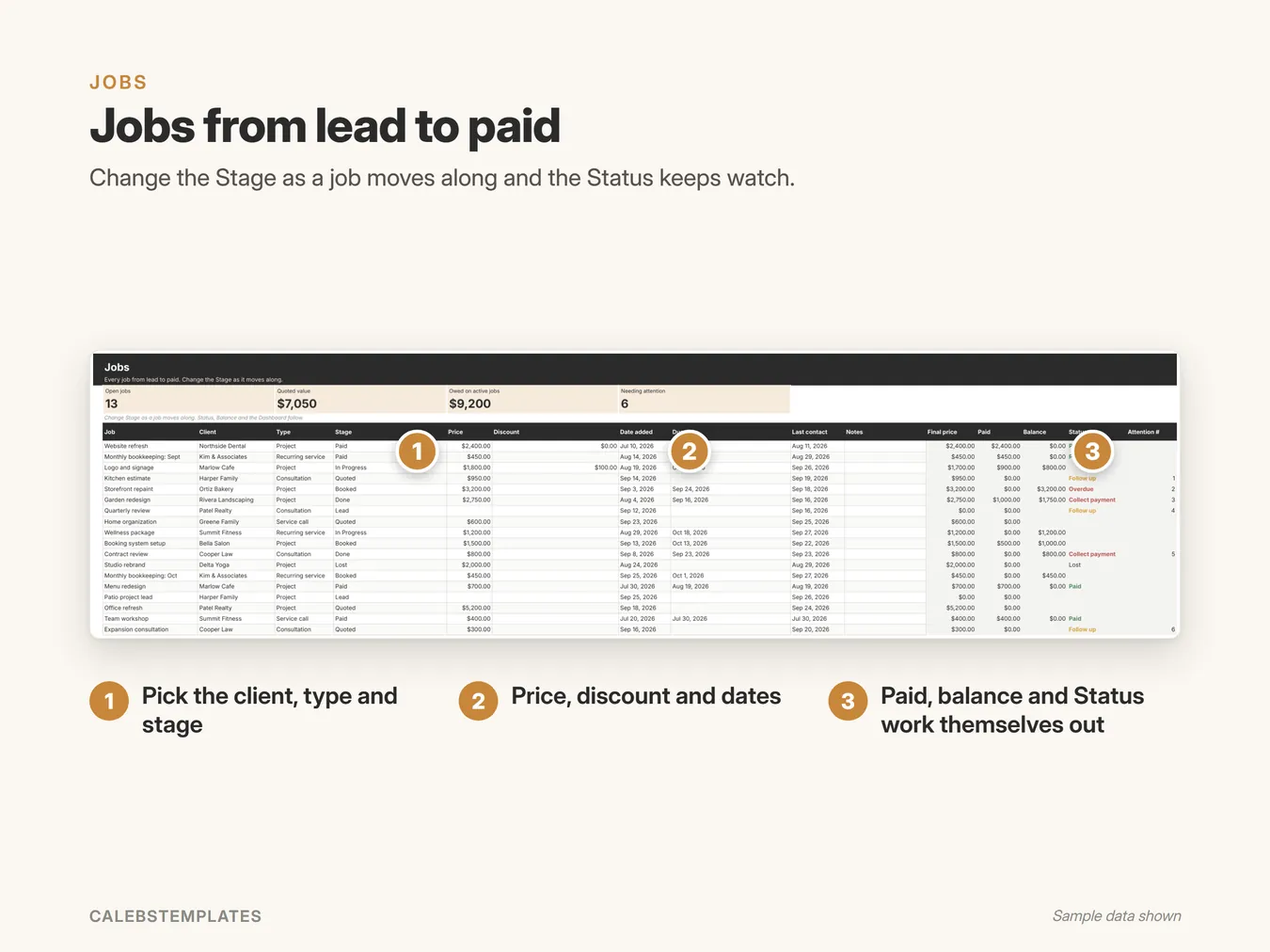
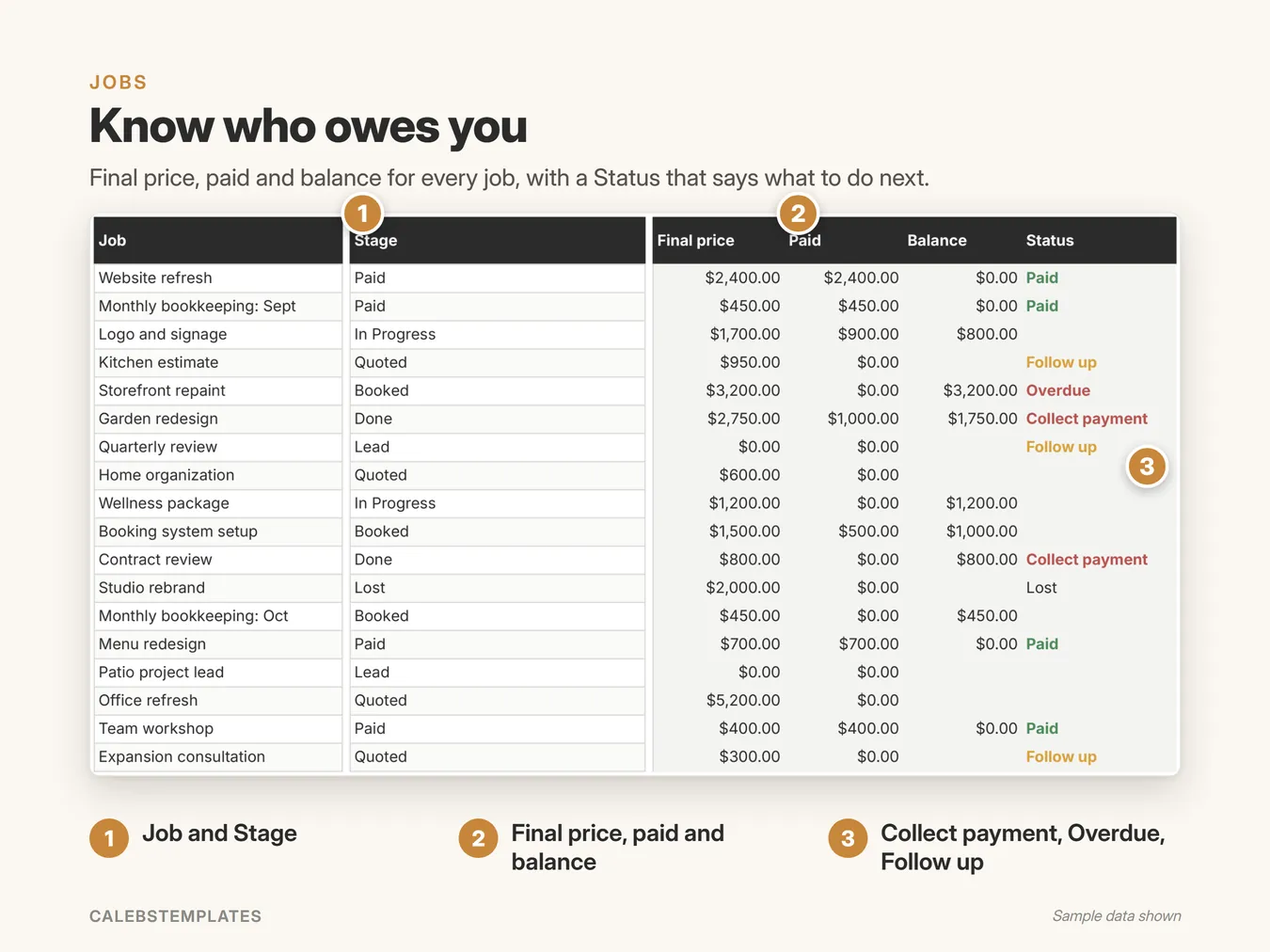
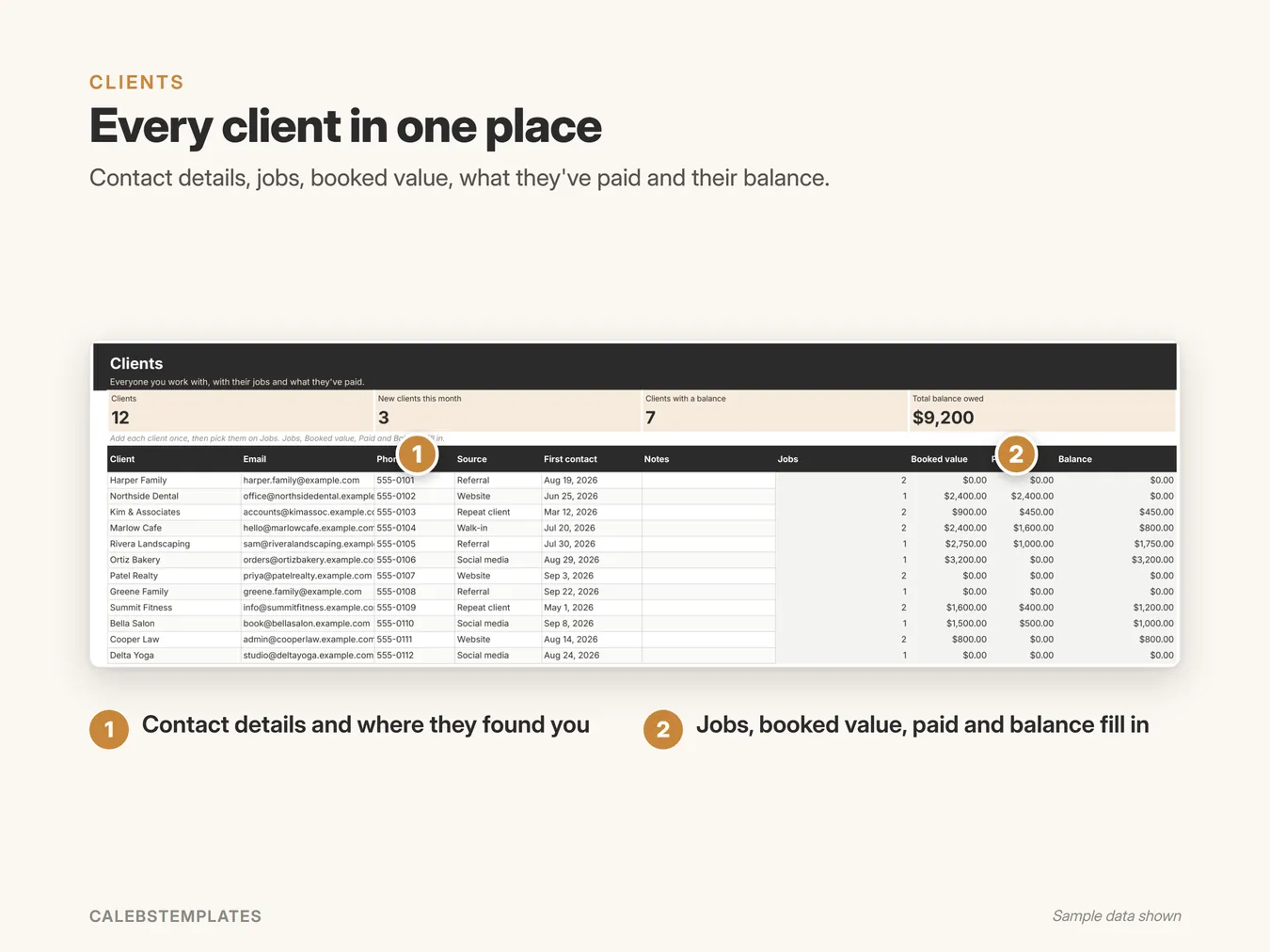
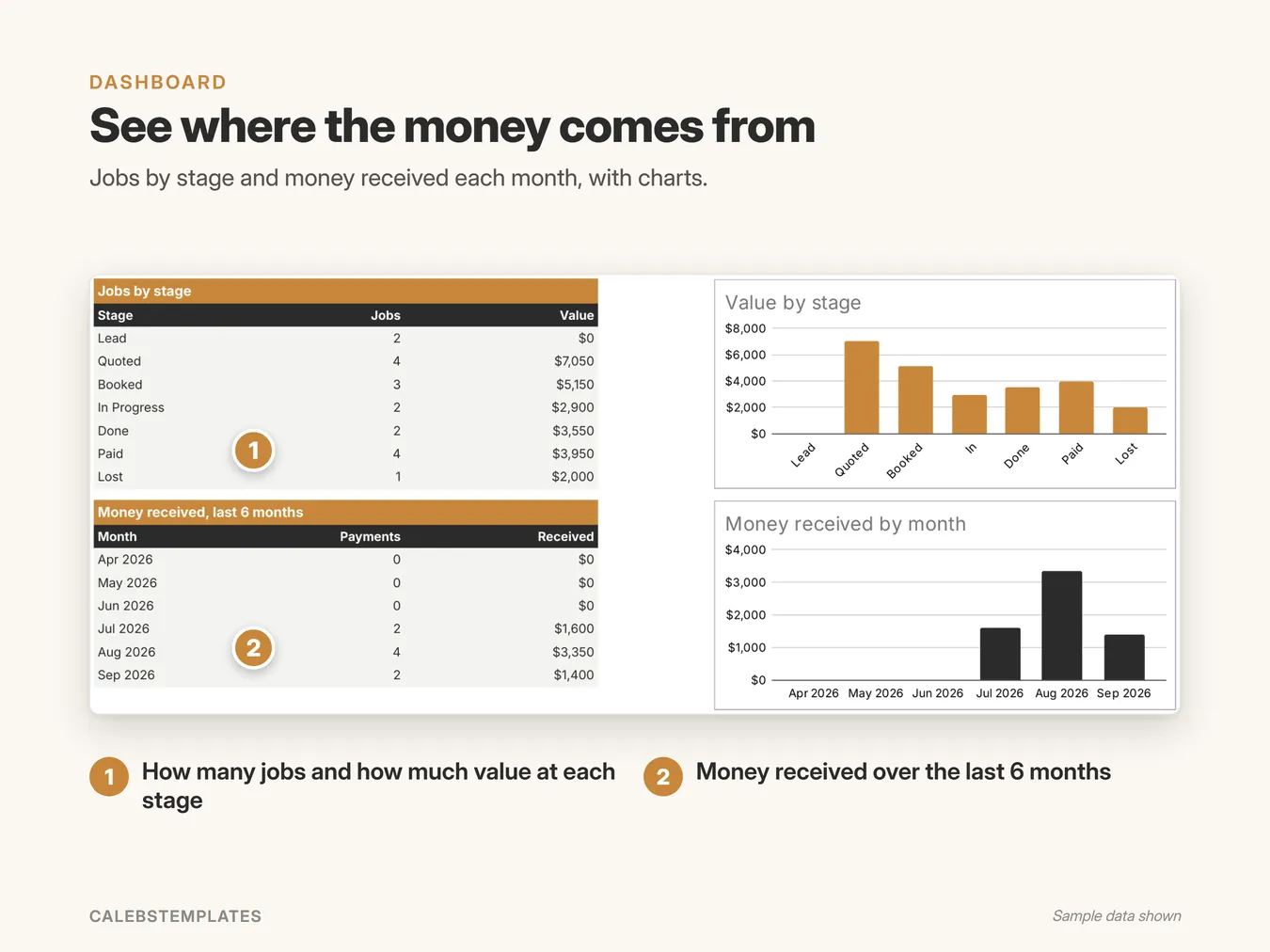
Screenshots show the Sample copy with made-up data.
Get set up in minutes
- Open your copy's Start Here tab.
- Settings: your business name, follow-up days and lists.
- Clients: add your first client.
- Jobs: add their first job and set its Stage.
- Payments: log a payment against a job.
- Dashboard: bookmark it.
Good to know
- Google Sheets: you need a free Google account. This isn't an Excel file.
- Works in any browser on a computer, tablet or phone. Setup is easiest on a computer.
- Nothing to install: no add-ons, no scripts.
- You get a ready-to-use copy plus a Sample copy filled with example data, and a step-by-step PDF guide.
Ready when you are
You might also like
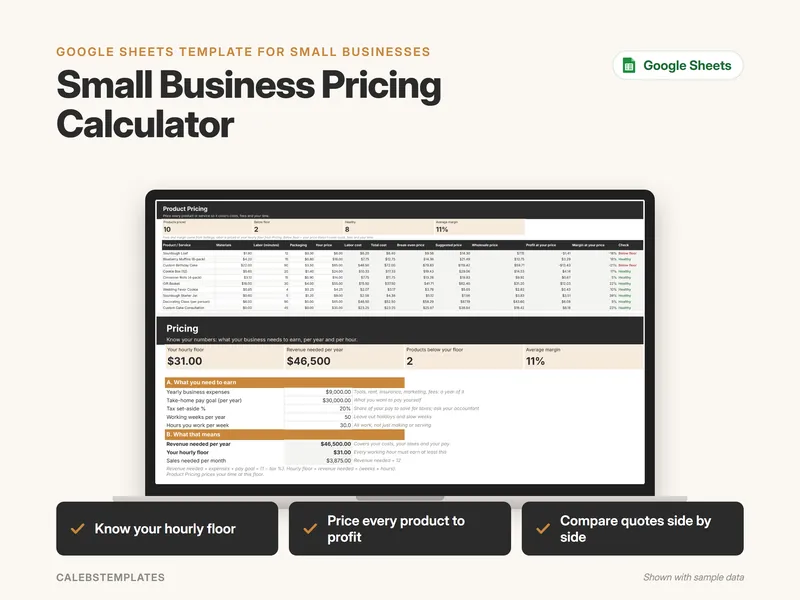
Small Business Pricing Calculator
Work out what your business needs to earn, turn it into an hourly floor, and price every product or service so it covers your costs, fees and your time.
$7.00View template →
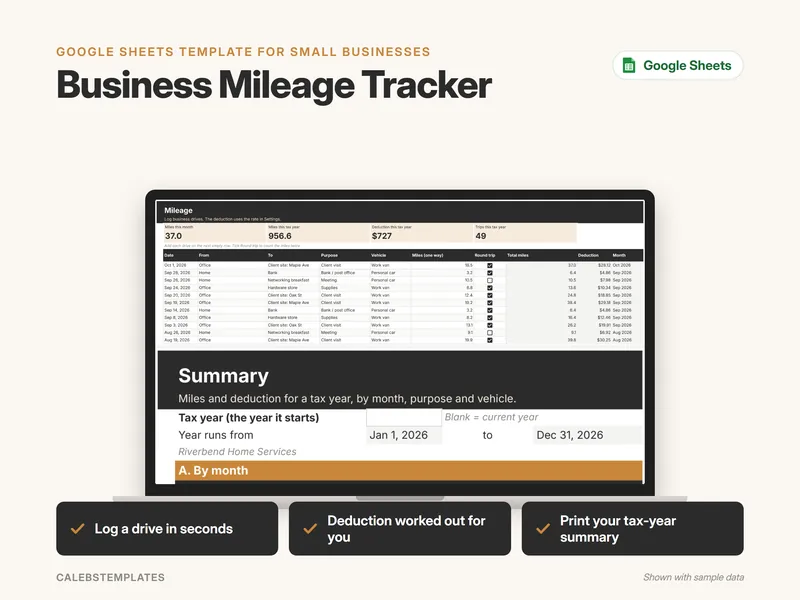
Business Mileage Tracker
Log every business drive in seconds and see your miles and mileage deduction by month, purpose and vehicle for the whole tax year.
Coming soonView template →
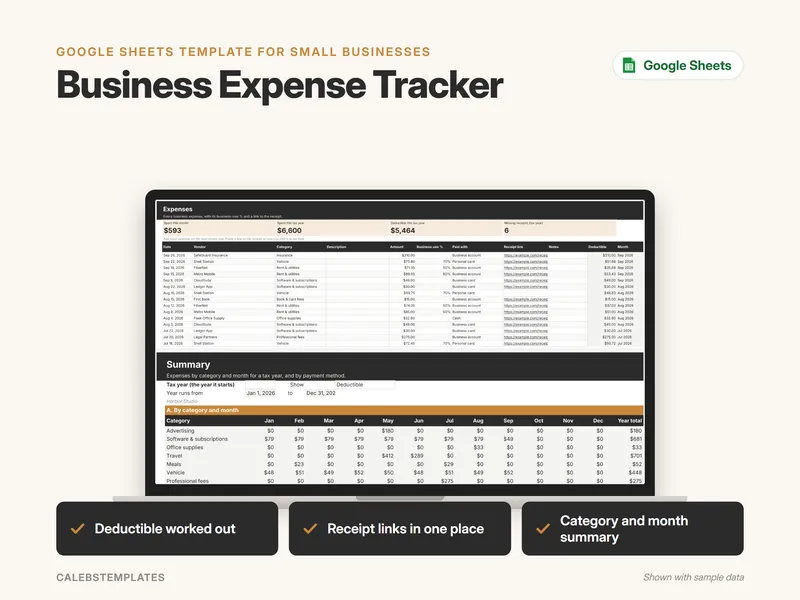
Business Expense Tracker
Log every business expense with its category, business-use % and a link to the receipt, and see your deductible total by category and month for the whole tax year.
Coming soonView template →